
FiveM · QBCore framework

QBCore Scripts.

Every script on this page runs on QBCore. Most of our resources detect your framework through a built-in bridge, so there's no separate QB version to download and no extra dependency to install.

15 QBCore scripts
Multicharacter V2
Escrowed

Character System

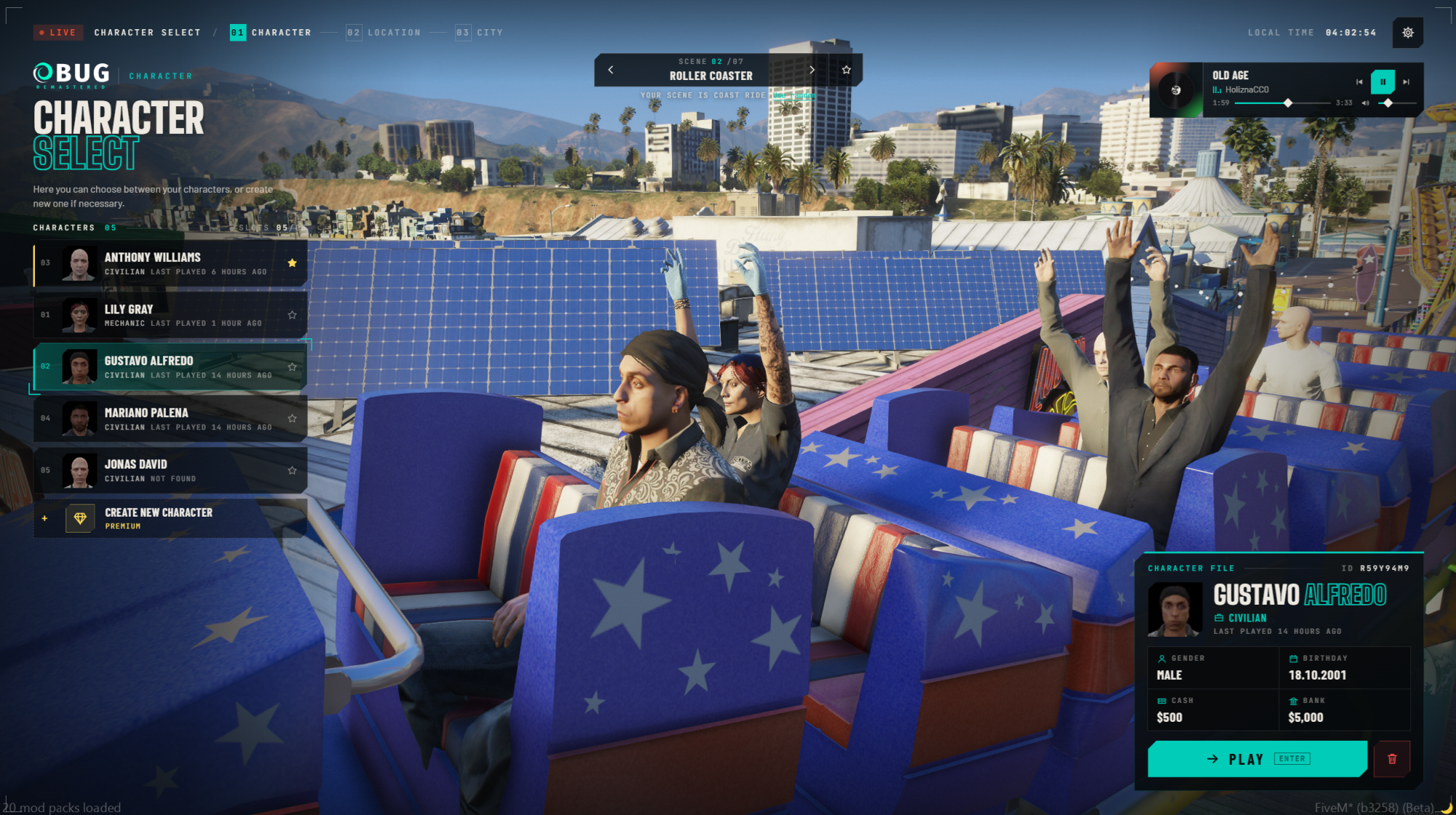
Multicharacter V2

Show players their real characters inside 7 cinematic scenes, sell extra character slots and give Discord roles more characters. Drop-in for QBCore, Qbox & ESX.

ESXQBCoreQBox
$39.99once
Spawn Selector V2
Escrowed

Character System

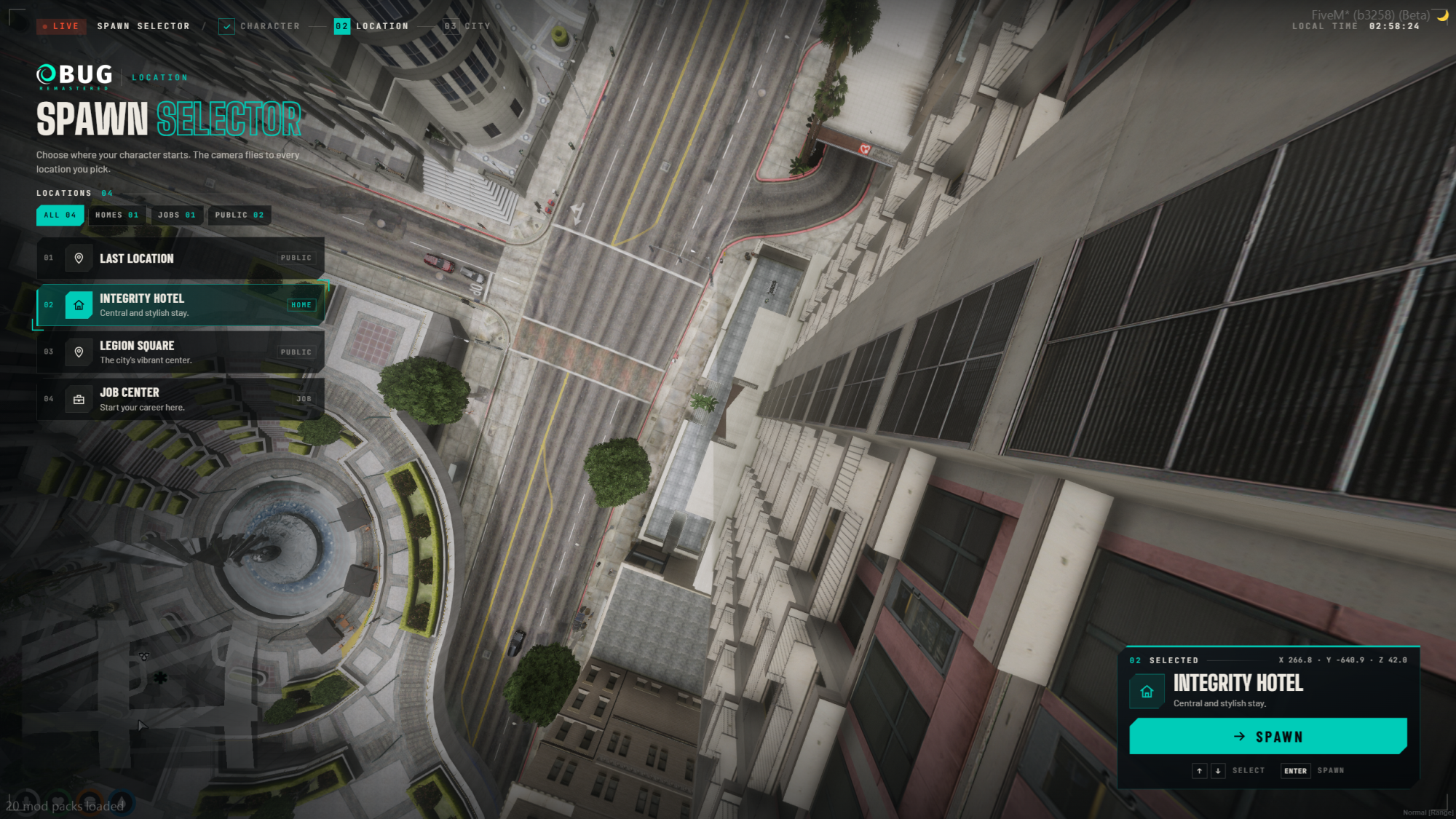
Spawn Selector V2

Every spawn point on a cinematic map: last location, job spawns, owned houses and starting apartments, with spawn scenes and a theme synced to Multicharacter V2.

ESXQBCoreQBox
$19.99once
Report System V2
Escrowed

Scripts

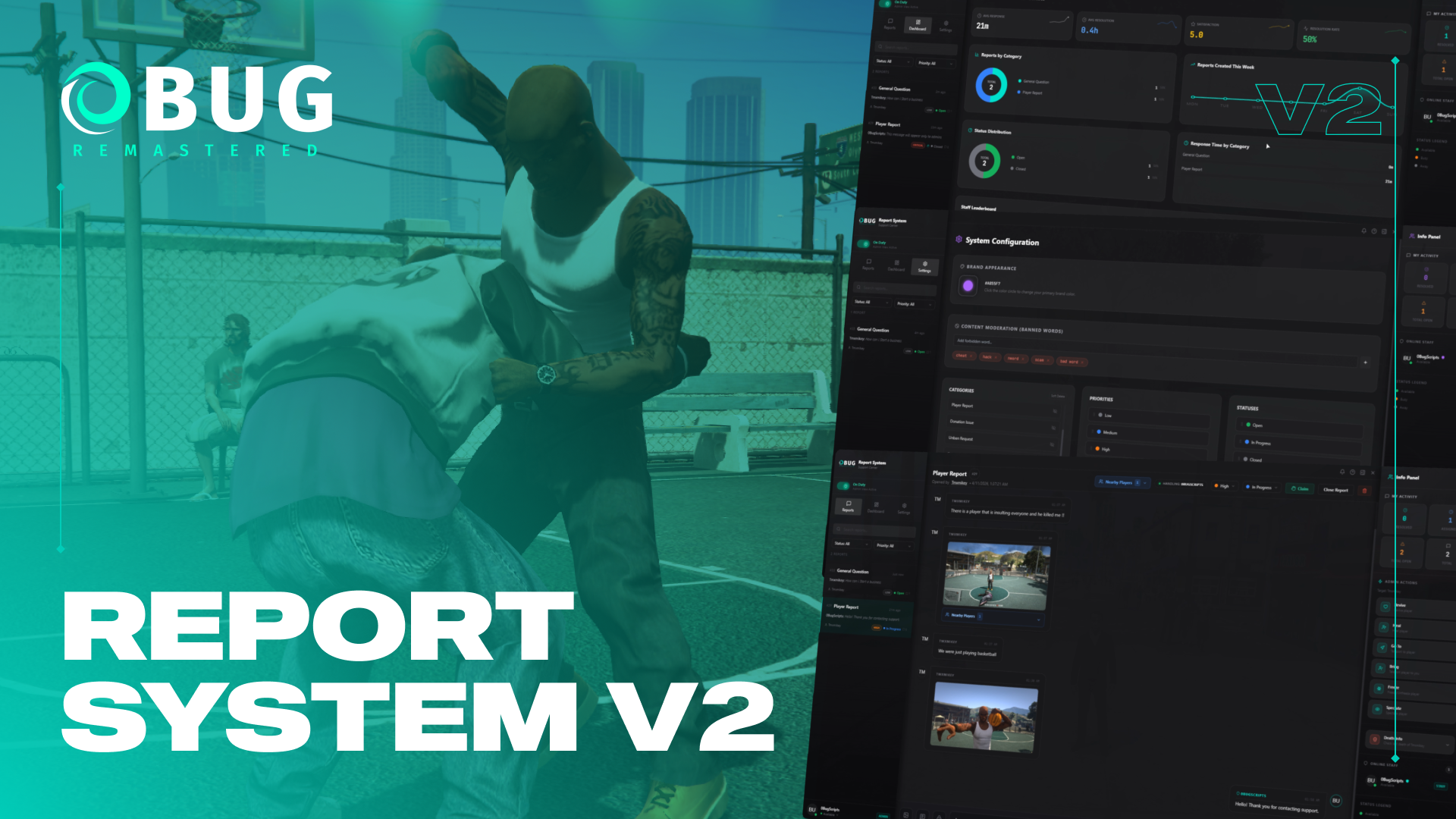
Report System V2

0BugScripts Report Menu V2 is a fully-featured in-game ticket and support system for FiveM servers. It allows your players to contact staff directly from inside the game without needing to leave the server or go through Discord. 📸Showcase Video : Cl
StandaloneESXQBCoreQBox
$34.99once
Subscriptions
Escrowed

Scripts

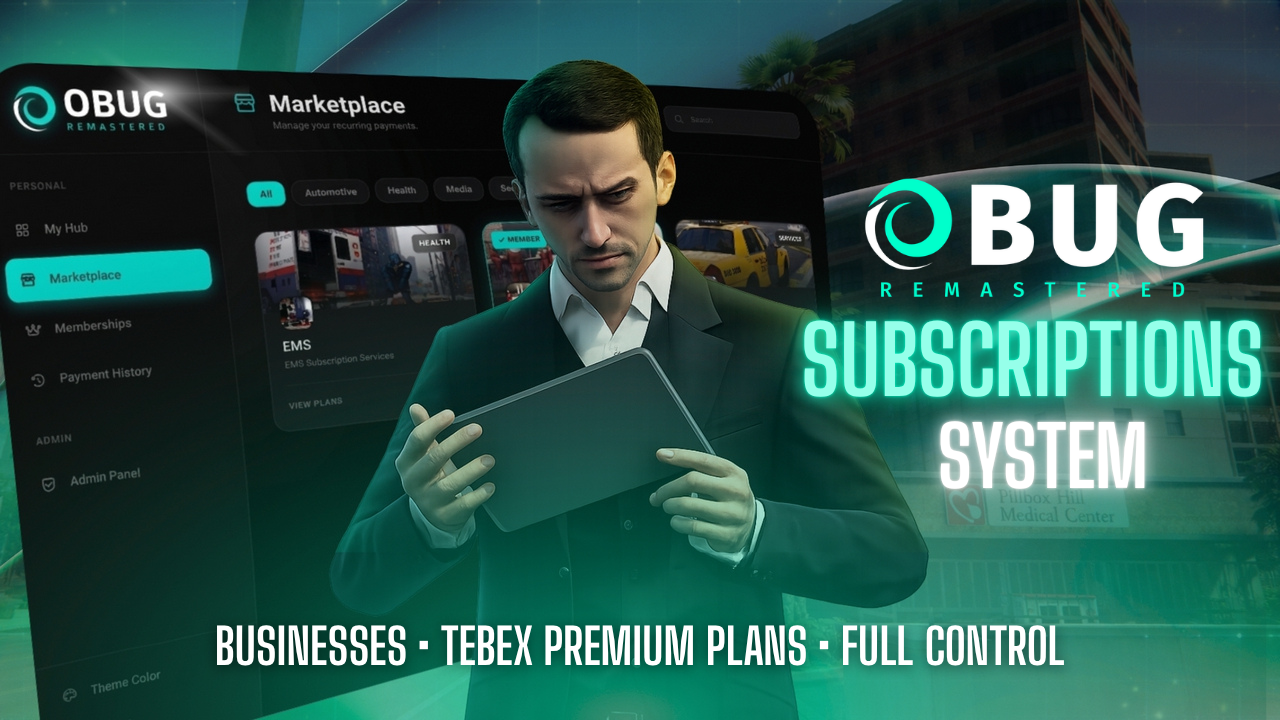
Subscriptions

0Bug Subscriptions — Professional Subscription System for FiveM. Give your server a real membership system. Players can browse plans, buy in-game, and get their perks instantly — no manual approval, no admin intervention needed. 0Bug Subscriptions le
ESXQBCoreQBox
$24.99once
SceneKits Pro
Escrowed

Admin Tools

SceneKits Pro

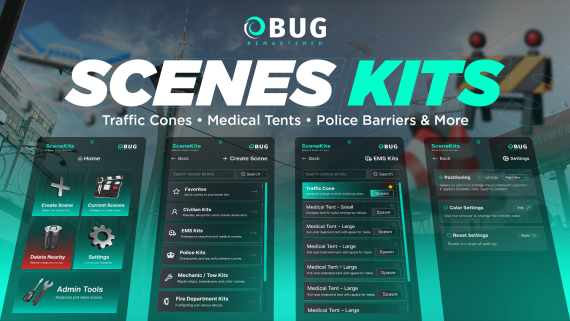
Transform your FiveM server with SceneKits — a Professional Roleplay Scene System. Spawn complete roleplay scenes in seconds.

StandaloneESXQBCoreQBox
$19.99once
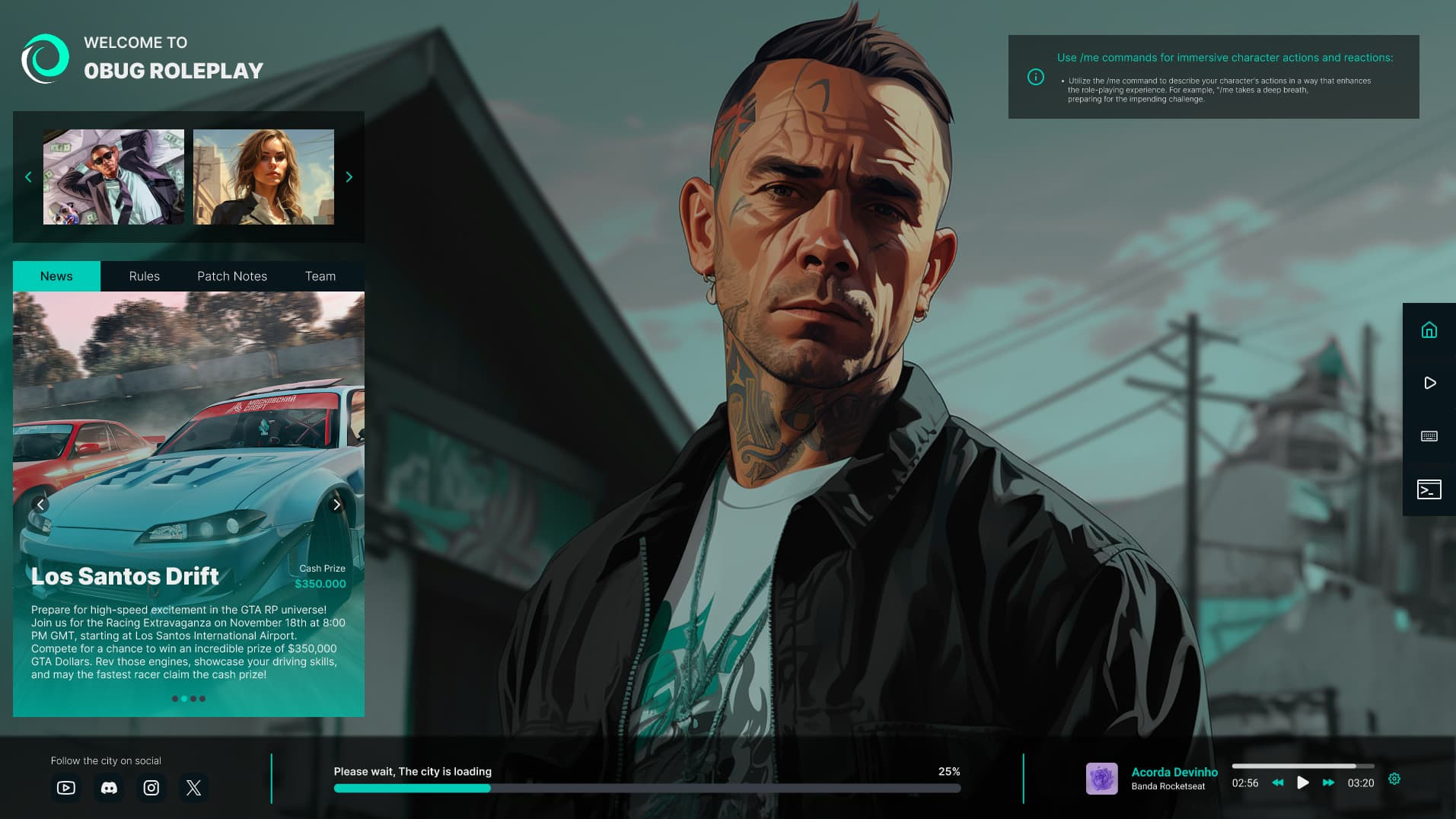
Loading Screen V2
Escrowed

Server UI

Loading Screen V2

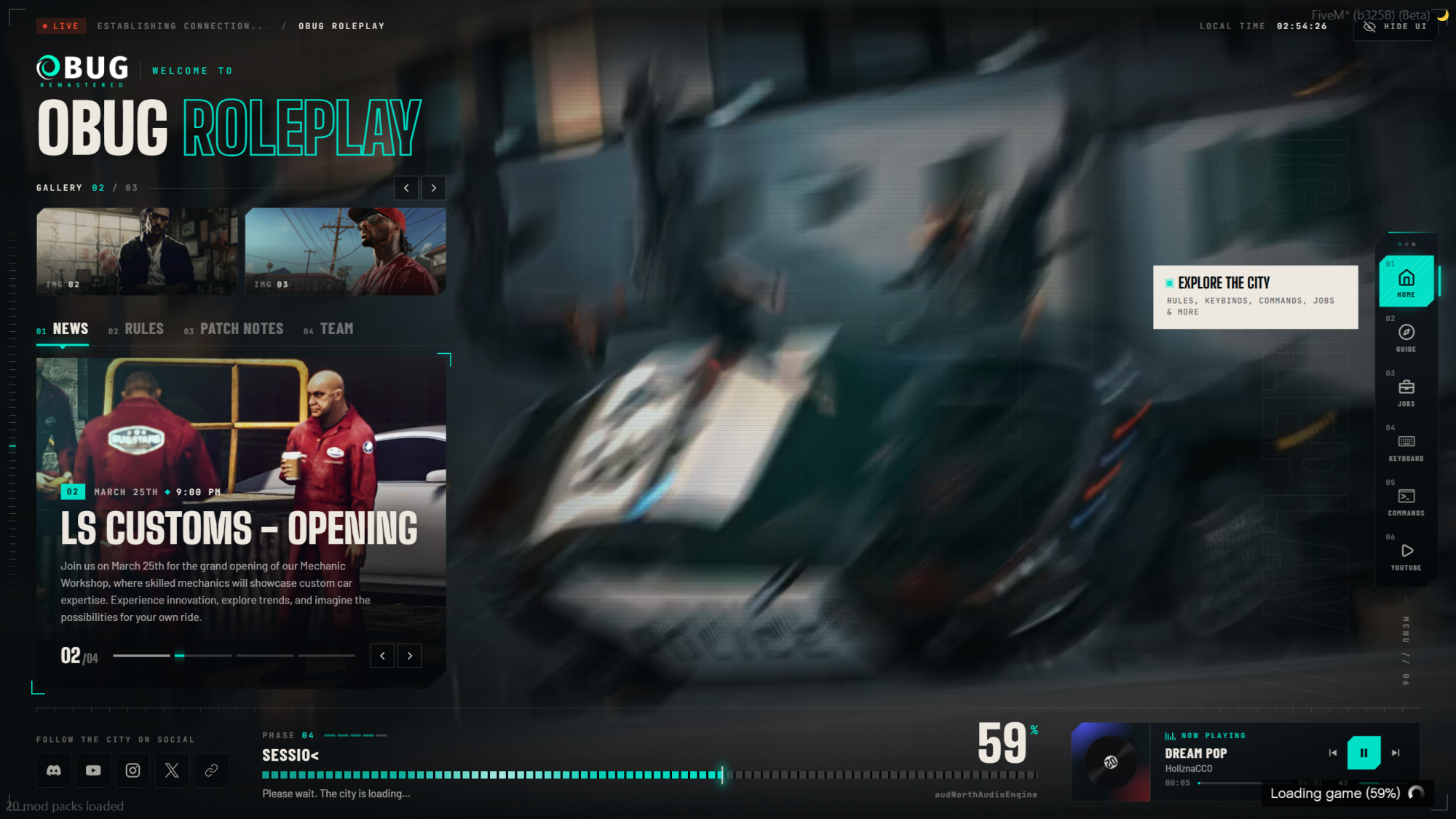
Turn the wait into your server's front page: video background, your playlist, news, rules, a guide, open jobs and keybinds, with a seamless handover to Multicharacter V2.

StandaloneESXQBCoreQBox
$14.99once
Realistic ATM
Escrowed

Economy

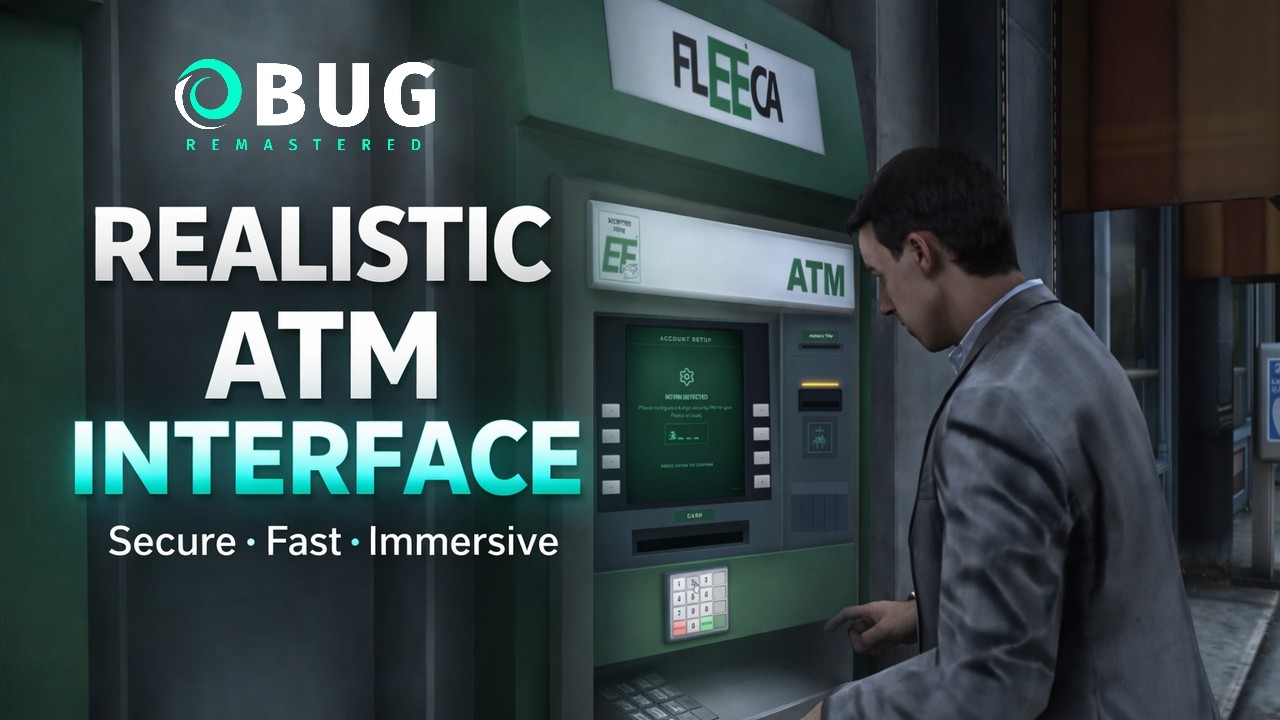
Realistic ATM

A fully immersive ATM script for FiveM servers featuring a custom NUI Banking ATM Interface, PIN verification system, and realistic animations.

StandaloneESXQBCoreQBox
$19.99once
Outfit Bag
Escrowed

Clothing

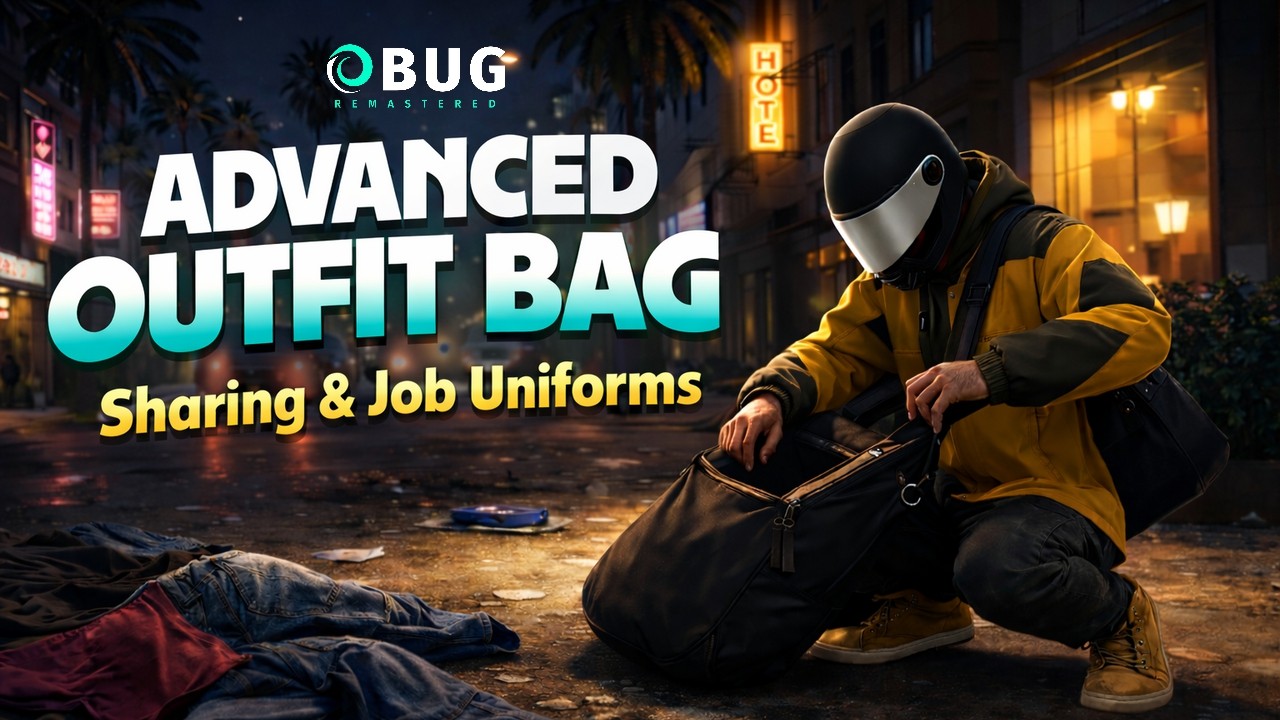
Outfit Bag

Outfit bag system for FiveM servers featuring outfit storage, public & private sharing with other players, job uniform presets, and cinematic animations.

StandaloneESXQBCoreQBox
$19.99once
Pause Menu
Escrowed

UI / HUD

Pause Menu

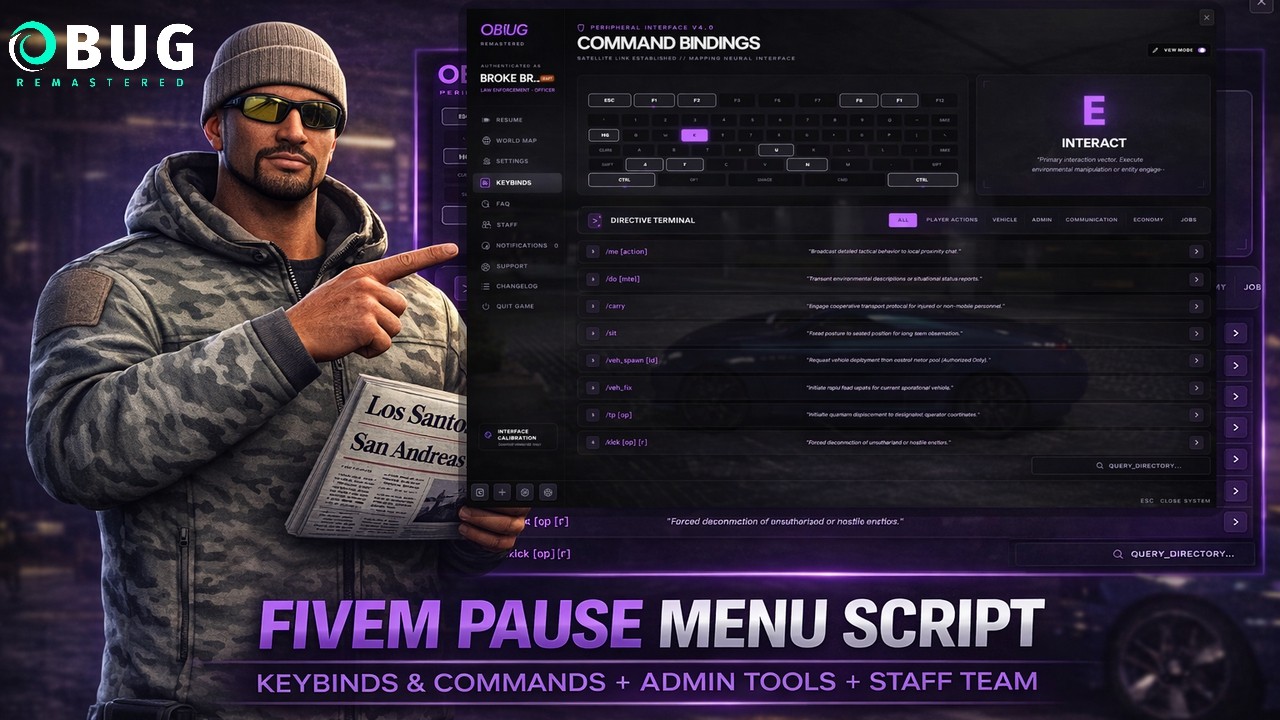
The 0Bug Pause Menu is a modern, feature-rich replacement for the default FiveM pause menu, designed for roleplay and serious servers.

StandaloneESXQBCoreQBox
$24.99once
PlayTime Shop
Escrowed

Progression

PlayTime Shop

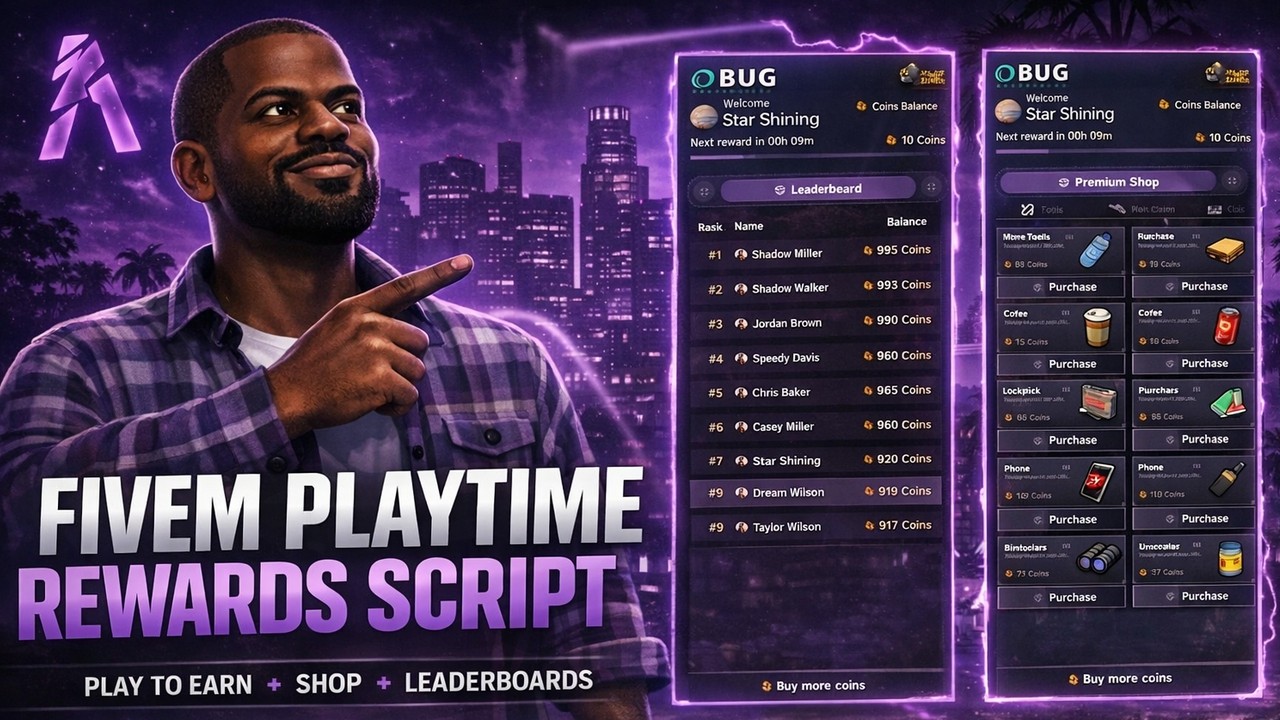
ZeroBug PlayTime Shop is an advanced, plug-and-play reward system for FiveM servers that transforms player activity into meaningful in-game progression.

ESXQBCoreQBox
$19.99once
Battlepass
Escrowed

Progression

Battlepass

Daily and weekly missions, a daily quiz and spin, XP levels and free and premium reward tracks sold through Tebex. Fully configurable with JSON files.

ESXQBCoreQBox
$34.99once
Report System
Escrowed

Admin Tools

Report System

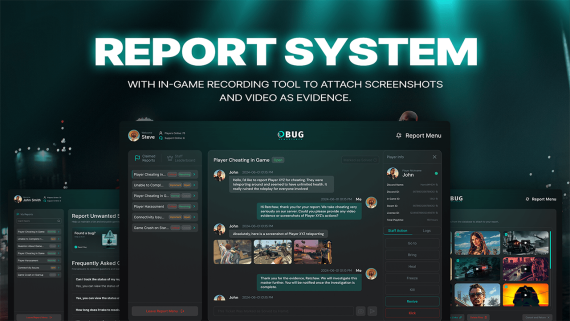
Need a robust solution for player reports? Our Report System FiveM script offers efficient, user-friendly tools to manage and resolve player reports.

Standalone
$24.99once
Vehicle Control
Escrowed

UI / Vehicle

Vehicle Control

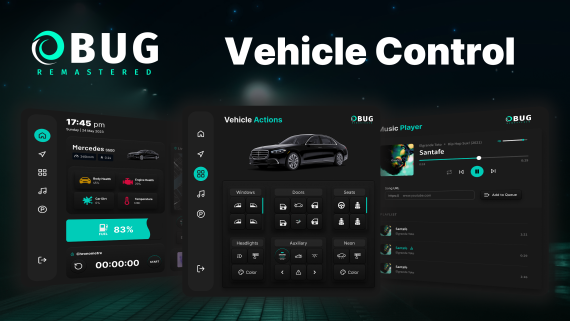
Vehicle Control is easy to use, works great, and will make driving way more fun on your FiveM server.

StandaloneESXQBCoreQBox
$24.99once
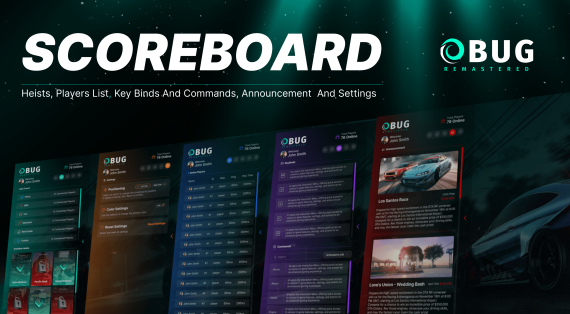
Scoreboard
Escrowed

UI / HUD

Scoreboard

Players can access a sleek scoreboard, personalized to their settings. It supports full customization and Discord integration.

ESXQBCoreQBox
$14.99once
Loading Screen
FreeEscrowed

Server UI

Loading Screen

A free, fully customizable FiveM loading screen: video or image background, news, rules, patch notes, team, gallery, keybinds, server commands and a music player.

Standalone
Free

Framework guide

What is QBCore?

QBCore is an open-source roleplay framework for FiveM. It provides the foundations of an RP server (players, jobs, money, items and vehicles) and is one of the most popular frameworks, alongside ESX and its own fork, Qbox.

Our QBCore scripts plug into those systems instead of replacing them: they read your players, jobs and money from QBCore and keep their own data in your existing database.

FAQ

QBCore scripts: common questions

Do these scripts work on QBCore out of the box?

Yes. Every script listed here supports QBCore. Most detect the framework automatically through a built-in bridge, so you install the same resource you would on any other framework.

If I move from QBCore to Qbox later, do I need to buy the scripts again?

No. Our scripts aren't sold per framework: one purchase covers every framework the script supports, and support is listed on each product page.

How do I install a QBCore script?

After purchase the script appears in your Cfx.re Keymaster account. Download it, place the folder in your resources directory, add ensure <resource> to server.cfg after qb-core and the script's dependencies, then adjust the config file and restart.