 ESX
ESX QBCore
 QBox
QBox| yes | All Frameworks |
| yes | Standalone |
Introduction
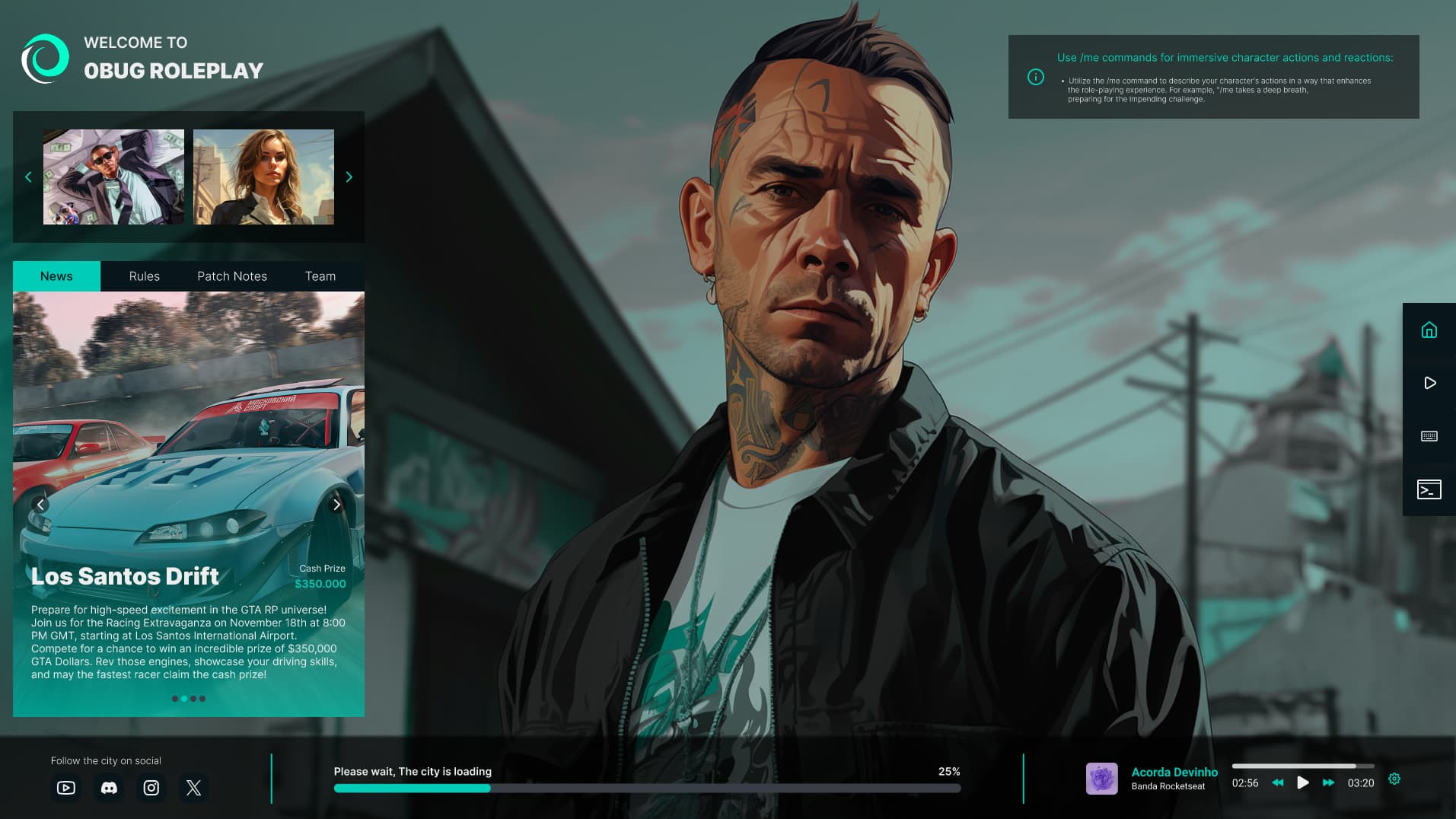
The loading screen is the first thing every player sees, and they look at it for a long time. 0Bug Loading Screen 2.0 turns that wait into your server's front page: your trailer or video in the background, your playlist, and everything a new player needs to know (news, rules, a guide, open jobs and your keybinds) before they even spawn.
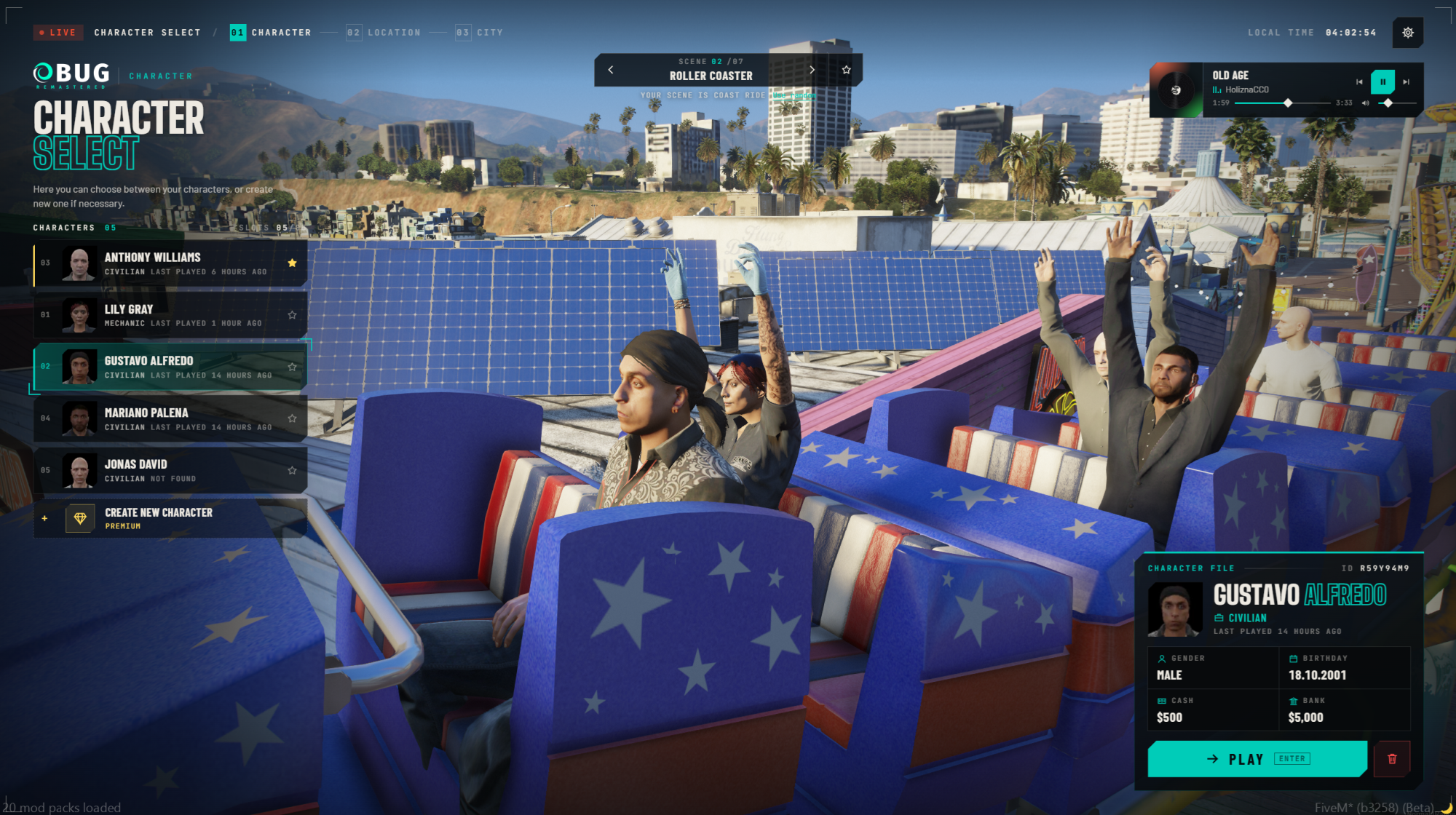
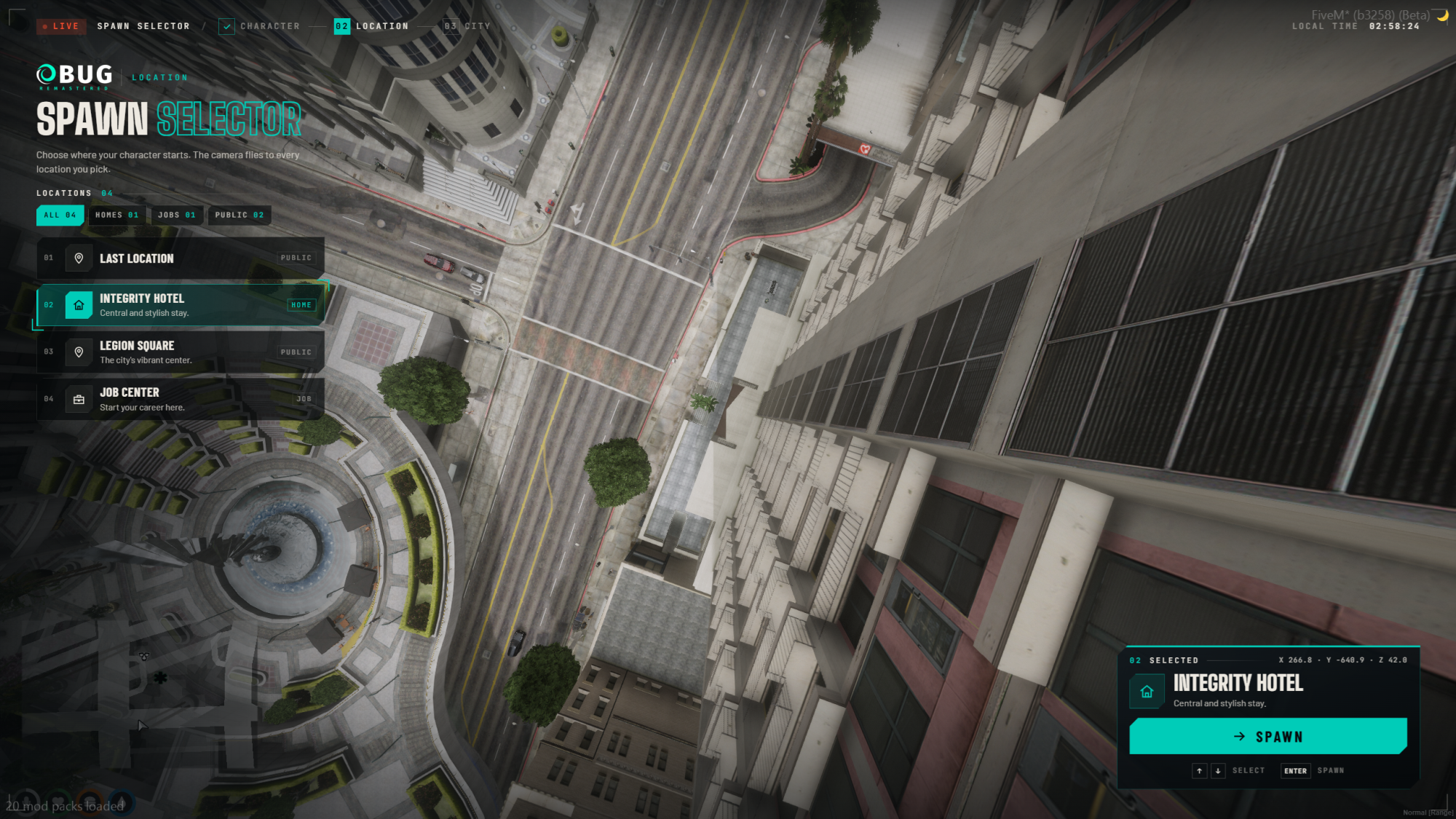
It hands over straight to Multicharacter V2 with no black screen in between, and works on QBCore, Qbox, ESX and standalone servers.
Key features
- Video background: your own MP4 trailer, a YouTube video, or an image slideshow
- Music player with your playlist, volume and autoplay. 4 royalty-free tracks included
- Guide page: first steps and FAQ for new players
- Jobs & Factions page: show which jobs are open, whitelisted or closed
- Keyboard page: your server's keybinds on a keyboard map, plus a commands list
- YouTube page that works inside FiveM, with the included relay page
- News, Rules, Patch Notes and Team tabs
- Image gallery, rotating tips and your social links (Discord, website, YouTube, Instagram, X)
- Real loading progress from FiveM's own loading steps
- Hide button so players can just enjoy your background
- One file to edit: turn every part on or off and change every text in
zr-config.js
New in 2.0
Rebuilt from scratch with a new interface, new Guide and Jobs & Factions pages, YouTube that plays inside FiveM, royalty-free music included, and a seamless handover to Multicharacter V2.
Compatibility
- Frameworks: QBCore, Qbox, ESX and standalone
- Multicharacter: 0Bug Multicharacter V2 closes it when the character screen is ready. Without a multicharacter, one setting closes it when the player spawns
- Backgrounds: MP4 video (H.264), YouTube or images
Who it's for
Roleplay servers that want new players to arrive already knowing the rules, the jobs and the keybinds, and owners who want their trailer, music and Discord in front of every player. Pair it with Multicharacter V2 and Spawn Selector V2 for a complete character system with one look, from connecting to spawning.
Compatibility & details
- Frameworks
- StandaloneESXQBCoreQBox
- Code access
- Escrowed (Cfx.re) – config files open
- Delivery
- Instant via Tebex to your Cfx.re Keymaster
- Updates
- Lifetime updates included
- Support
- Discord ticket support
- Documentation
- Installation & config guide
Save with a bundle
Loading Screen V2 is included in these bundles, priced below buying each script separately.
 All Scripts Bundle12 scripts$290.00$145.00
 Roleplay Essential Bundle8 scripts$165.00$90.75
 Community Essentials Bundle7 scripts$140.00$84.00
 Player Experience Bundle6 scripts$140.00$91.00
 Character Bundle5 scripts$120.00$78.00
 Server Management Bundle4 scripts$90.00$58.50
 Standalone Bundle5 scripts$115.00$80.50
Loading Screen V2 FAQ
Does it work with QBCore, Qbox and ESX?
Can I use my own video or a YouTube video?
Can I add my own music?
Will players see a black screen after loading?
Can I translate it?
zr-config.js, along with your news, rules, guide and jobs.Can I customize it?
How is it delivered?
Loading Screen V2
Loading screen for QBCore, Qbox, ESX & standalone
One-time payment
Lifetime access · All future updates included